
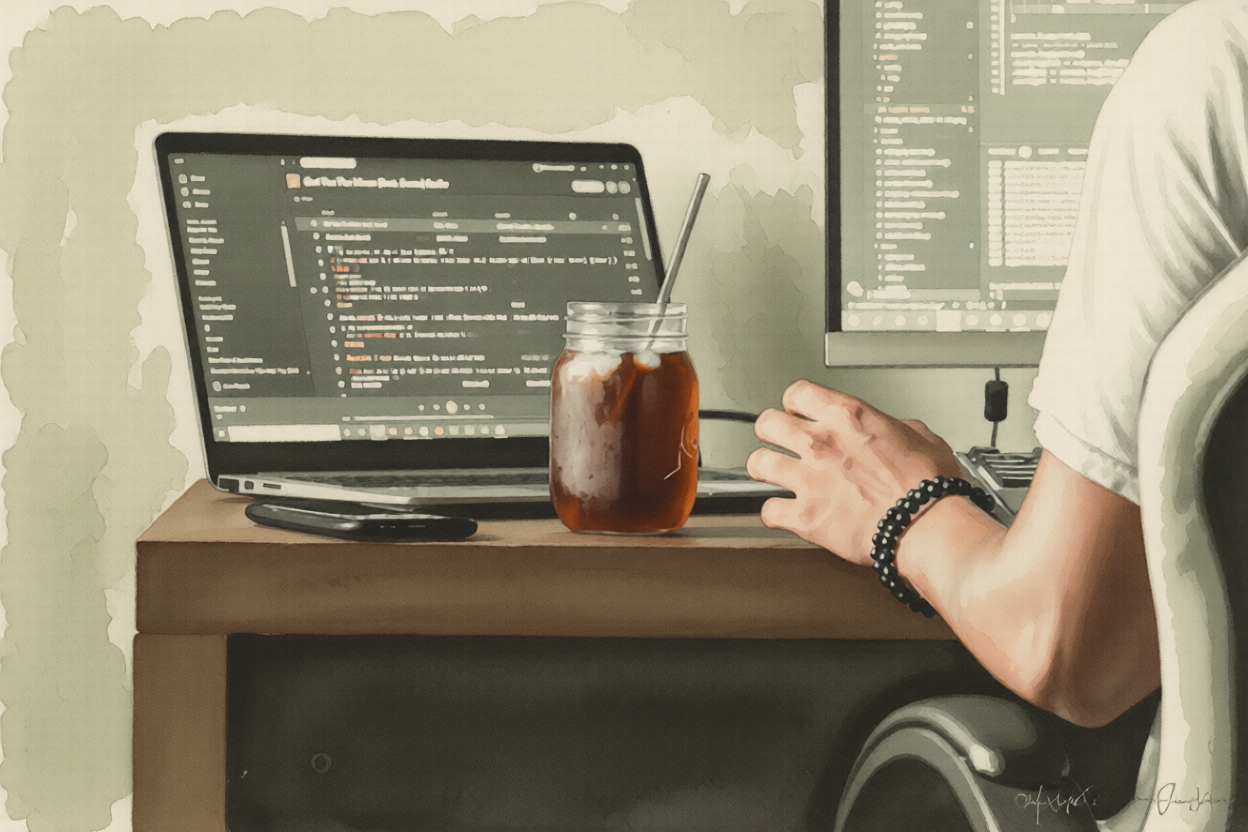
Not long ago, the workflow of a UI/UX designer was clear-cut: sketch ideas, build wireframes, craft high-fidelity mockups in Figma, hand off to developers, and wait. The designer’s job ended at the handoff. Today, that boundary is dissolving — and AI is the reason why.
The Figma Era: Where Design Stopped
For years, Figma defined the ceiling of what a designer could produce. You could craft pixel-perfect screens, build interactive prototypes with smart animations, and even document component states — but the output was still a simulation. The moment a design crossed into a browser, it belonged to the developer. Designers became spectators of their own work.
The handoff process created a persistent gap: spacing inconsistencies, fonts that didn’t quite match, interactions that felt slightly off from the original vision. Designers spent hours writing detailed spec documents just to communicate intent that should have been self-evident.
Enter the AI Coding Assistant
Everything changed when AI coding assistants arrived. Tools like GitHub Copilot, Cursor, and Claude made it possible for people without a traditional engineering background to write functional code by describing what they wanted in plain language. For designers, this was a revelation. Suddenly, the gap between a Figma mockup and a working React component shrank from days to minutes.
A designer could now look at their own screen, describe the component, and watch real code appear. Not perfect code — but working code. Code they could tweak, run in a browser, and actually feel.
What the Transition Actually Looks Like
The shift isn’t about designers replacing developers. It’s about designers extending their reach. In practice, it looks like this:
- A designer opens a Next.js project alongside their Figma file
- They use an AI assistant to scaffold a component based on their design
- They adjust the CSS, tweak spacing, and test real interactions in the browser
- They share a live URL instead of a static Figma link
The result is a prototype that behaves like the real product, not just one that looks like it. Stakeholders can click through real states. Edge cases surface earlier. Developer handoff becomes a collaboration rather than a translation exercise.
The Skills That Actually Matter Now
Designers making this transition don’t need to become full-stack engineers. What matters is:
Comfort with component thinking — Understanding props, states, and reusability directly maps to how design systems are built.
Basic CSS fluency — Knowing the difference between flexbox and grid, understanding spacing units, and reading a stylesheet goes a long way.
Knowing how to prompt well — AI assistants are only as good as the instructions they receive. Designers who can describe UI behavior precisely get better output.
Version control basics — Understanding Git enough to commit changes and not break things is a practical necessity.
What This Means for the Profession
This shift is quietly redefining what a “senior” designer looks like. The designers who are most valuable today aren’t just those with the sharpest visual taste — they’re the ones who can carry an idea from concept all the way to a browser without losing anything in translation.
That doesn’t mean every designer needs to code. But the ones who can bridge that gap — even partially — have a significant advantage. They communicate better with engineers, they prototype faster, and they ship with more confidence.
The Tools Leading the Way
A few tools have become central to this transition:
- Cursor — An AI-native code editor that lets you chat with your codebase
- v0 by Vercel — Generates UI components from text or image prompts
- Locofy — Converts Figma designs directly into frontend code
- Builder.io — Visual editor with code export and AI generation built in
None of these are perfect. But all of them are good enough to get a designer 70% of the way there — and that 70% is where the real value is.
Where This Is Heading
We’re still in the early stages. AI-assisted prototyping is evolving fast, and the tools will only get better. The designers who start building familiarity with code today — even imperfectly, even slowly — will be the ones who define what design looks like in the next decade.
The line between designer and builder is blurring. And for those willing to step across it, the creative surface has never been larger.